Axis support

Interactive manual

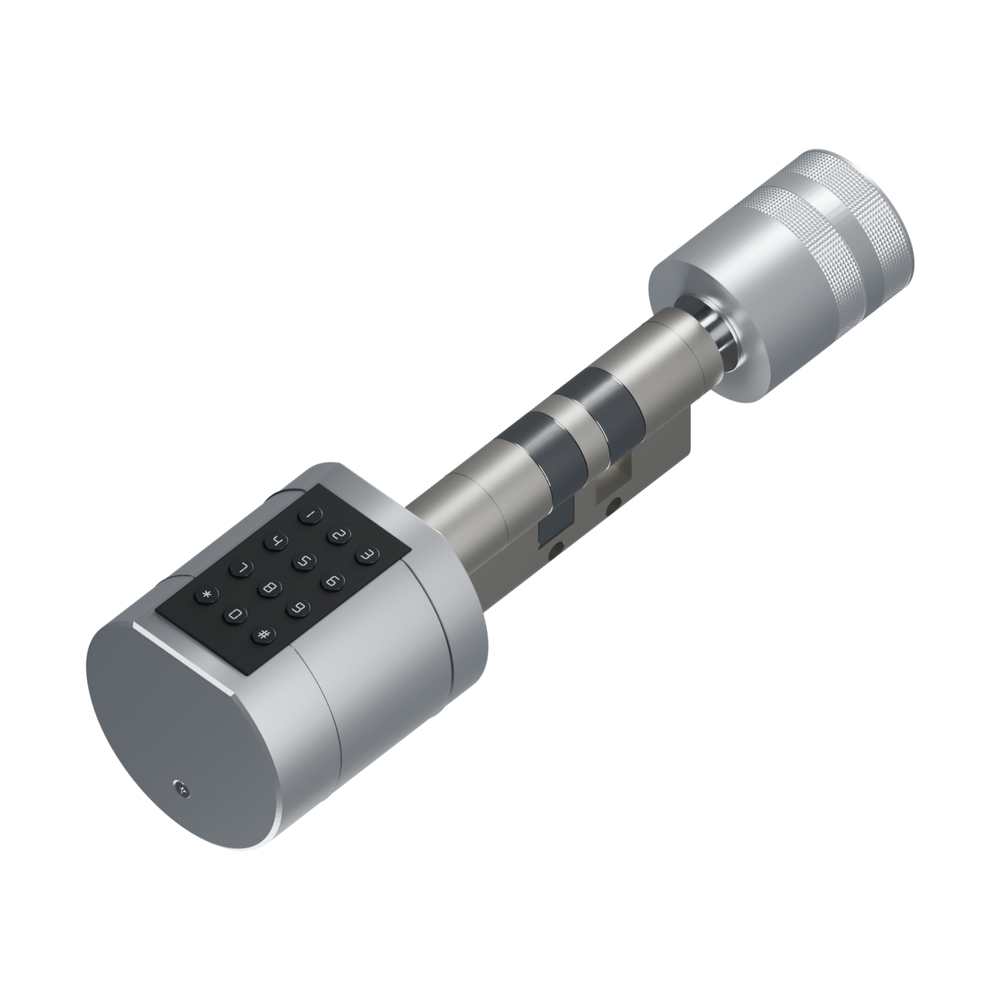
Axis Smart Euro Cylinder

Measure your door, fit the Axis in place of your old euro cylinder, pair it with the Tuya Smart app, add fingerprints, passcodes and key cards, and fix the most common problems. Tick the steps as you go.

Manual version
V2026.1
App
Tuya Smart
Fitting time
30–45 minutes
Use the Tuya Smart app, over Bluetooth

Axis pairs with Tuya Smart while you stand at the door. It has no Wi-Fi of its own: controlling it from away from home, or with Alexa and Google Home, needs a compatible Tuya gateway, sold separately or included in the Axis Smart Access Bundle.

Watch first · 73 seconds

Get to know your Axis

Five ways in, three finishes, one everyday routine

See the colours, the unlocking options and how you turn the Axis after it recognises you. Tap play, then tap the sound icon to unmute.

  • Fingerprint & PIN
  • RFID key card
  • Tuya Smart app
  • Mechanical key
  • Remote with gateway

Step by step

Fit, set up & use

Fifteen short guides in the order you will need them: check the box and your door, adjust the cam if the door is over 50 mm, fit the cylinder and batteries, pair Tuya Smart, then add fingerprints, passcodes and cards. Your progress is saved on this device.

Troubleshooting

Fix a problem

Most Axis problems come down to four things: pairing from too far away or with the keypad asleep, a cam that was not adjusted for a thick door, a passcode without the # at the end, or tired batteries. Start with the closest match.

Need more help?

Email us — we'll help

Pick the closest match below. Each email is pre-written with everything our support team needs to solve it fast — open it in your mail app, fill in the blanks and press send.

Still stuck?

Before contacting support, please collect:

  • Order number and confirmation that you used the Tuya Smart app
  • Door thickness and both cylinder measurements from the fixing screw
  • Battery brand, type and age
  • Photos of the open door edge and both faces of the door around the cylinder
  • A screenshot of the lock or error in Tuya Smart, and whether you own a Tuya gateway

Or write to us directly at enquiries@blusafesolutions.co.uk