

Blusafe Solutions
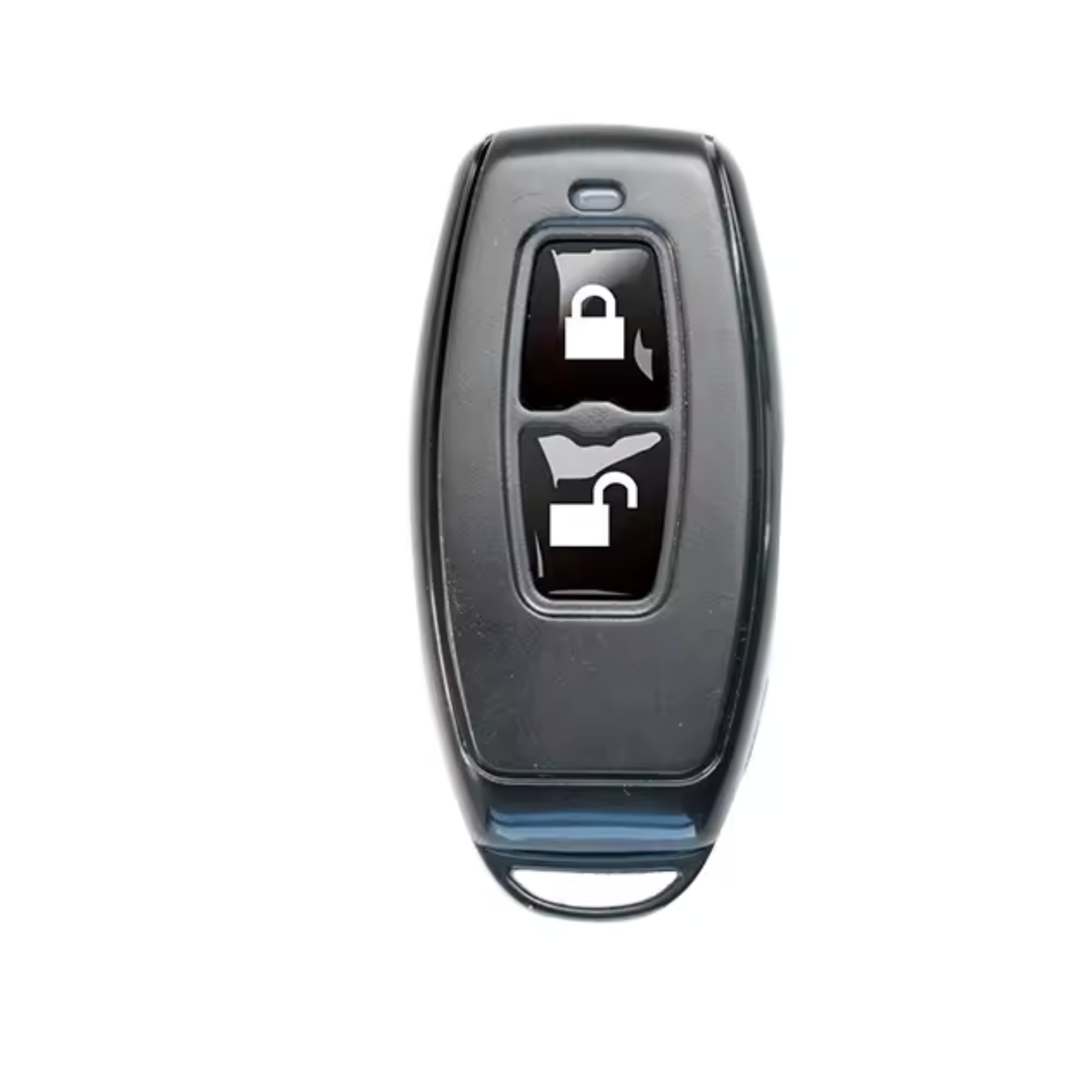
Blusafe R1 Wireless Remote for TTLock Smart Locks
Blusafe R1 Wireless Remote for TTLock Smart Locks
Order placed
Order dispatches
Delivered!
Couldn't load pickup availability
One press. You're in.
Works directly with your lock — no gateway needed.
The R1 is a pocket-sized wireless remote for TTLock smart locks. One press unlocks the door — no phone, no app, no PIN. It pairs with your Blusafe Origin Smart Plus or Apollo through the TTLock app in a few minutes, then lives on a keyring.
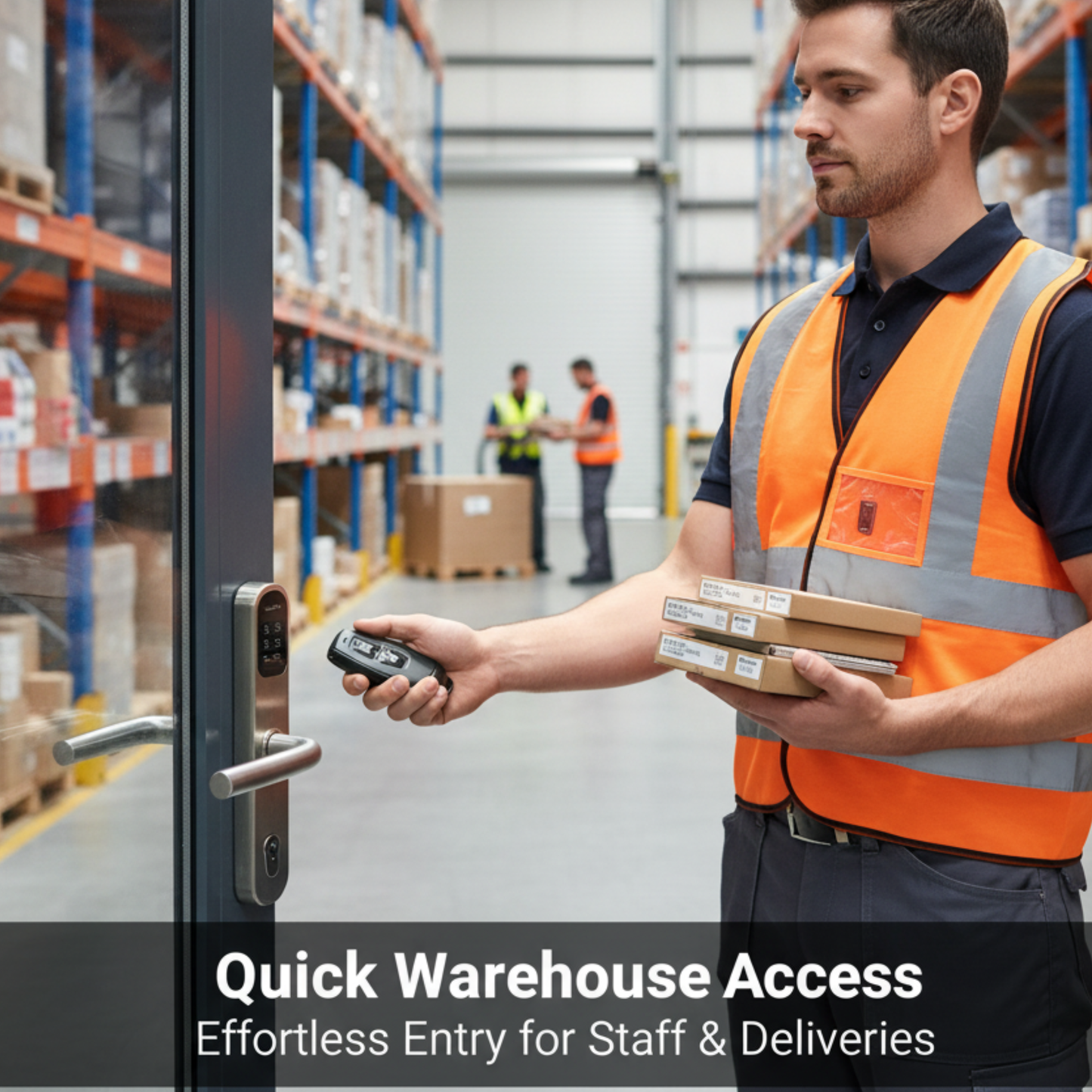
It is the easiest entry method for anyone who would rather not use a smartphone — children, older family members, or staff — and handy for everyone else when your hands are full or you're approaching the door from the car.
Key features
✓One-touch unlocking
a single button press unlocks the door
✓No phone required
ideal for children, older users and staff
✓Responsive 2.4GHz wireless
quick operation without opening the app
✓Keyring-sized
lightweight ABS fob that fits in a pocket
✓Long battery life
CR2032 coin cell with very low standby drain
✓Simple pairing
added and managed from the TTLock app
| Model | R1 Wireless Remote Controller |
| Connection | 2.4GHz wireless, direct to the lock |
| Power | CR2032 coin cell battery (3V) |
| Housing | ABS plastic key fob |
| App | Paired via TTLock (iOS & Android) |
What's in the box
Works with
Blusafe Origin Smart Plus, Blusafe Apollo, and other TTLock-based smart locks and access controllers that support the R1 remote function. Not every TTLock device supports remote control — if you're using a non-Blusafe lock, check your model before ordering, or contact us and we'll confirm.
SAVE WITH A BUNDLE
The R1 features in our Home Complete and Office bundles — see the Bundles page.
Frequently asked questions
Do I need a Wi-Fi gateway or the app to use it?
No gateway is needed — the R1 talks directly to the lock. You only need the TTLock app once, to pair the remote. After that it works on its own.
How do I pair it?
Open the TTLock app, select your lock, choose the option to add a remote/wireless controller, and press the button on the R1 when prompted. Name it (for example "Front door — car remote") and save.
What if the remote is lost?
Delete it from the lock in the TTLock app and it can no longer unlock your door. You can then pair a replacement.
Free UK Delivery ● UK-Based Support ● Save more with a bundle
Share